How to Use a Digital Calendar to Increase Your Productivity
Tired of feeling overwhelmed by your to-do list and never-ending meetings? You’re not alone—70% of professionals report feeling stressed by poor time management.
Using a digital calendar helps you organize tasks, meetings, and personal time in one place—reducing stress and making your day more productive.
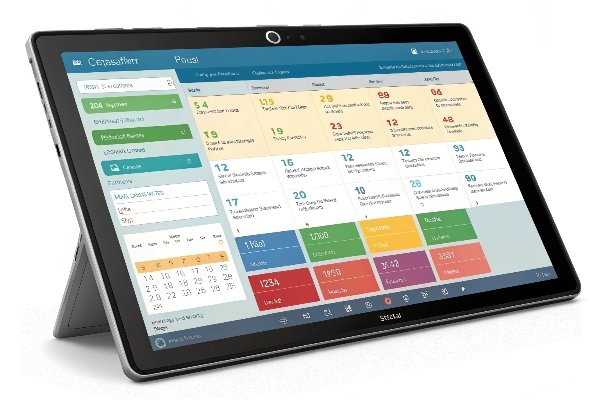
Switching from a paper planner to a digital calendar changed how I manage my time. As a business owner, parent, and someone who juggles many roles, I found digital calendars removed the mental clutter. I no longer miss meetings or forget school events. I can see my priorities clearly and plan accordingly.
Choose the Right Digital Calendar Platform
Not all digital calendars are the same—and choosing the right one is key to success.
Choose a platform that syncs across devices, supports reminders, allows sharing, and integrates with your tools.
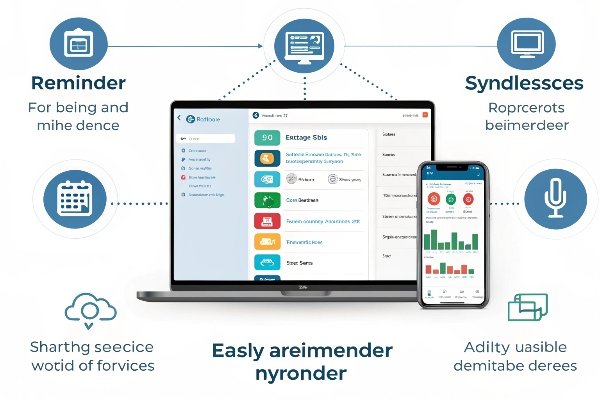
I’ve tested many platforms over the years. Here’s a comparison of some top options:
| Calendar Tool | Cross-Device Sync | Sharing | Integrations | Best For |
|---|---|---|---|---|
| Google Calendar | Yes | Yes | Google, Zoom, Trello | Everyday scheduling |
| Outlook Calendar | Yes | Yes | Office tools | Business environments |
| Apple Calendar | Yes (Apple only) | Yes | iOS/macOS apps | Apple users |
| Notion Calendar | Yes | Limited | Notion workflows | Custom workflows |
Pick the one that fits your routine. For example, I use Google Calendar for business because of its integrations, while my family prefers Apple Calendar for shared reminders.
Set Up and Structure Your Calendar for Success
Starting with a blank calendar can feel overwhelming. But structure gives you clarity.
Color-code your categories, create recurring events, and keep multiple views to manage your life efficiently.
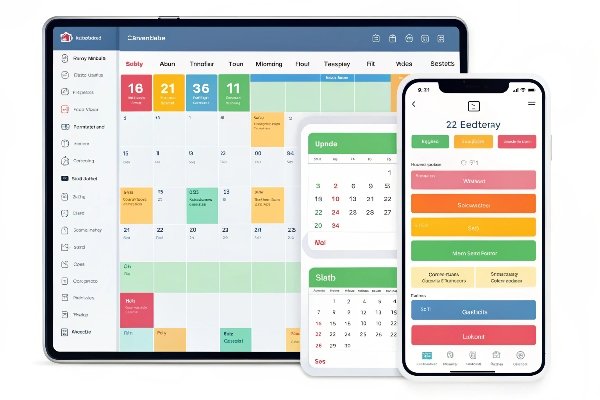
Here’s how I organize mine:
- Blue for work: client calls, deep work, emails
- Green for family: school pickups, meal prep
- Orange for health: workouts, therapy, rest
Recurring events help me automate routines. For example, every Monday at 9 a.m., I have a 30-minute planning session. I also use week and day views to avoid overload. Separate calendars for business and personal life reduce the mental noise.
Use Smart Scheduling and Reminders to Stay on Track
Even with a good layout, it’s easy to fall behind. That’s where smart scheduling helps.
Use reminders and time blocks to guide your day and avoid task fatigue.
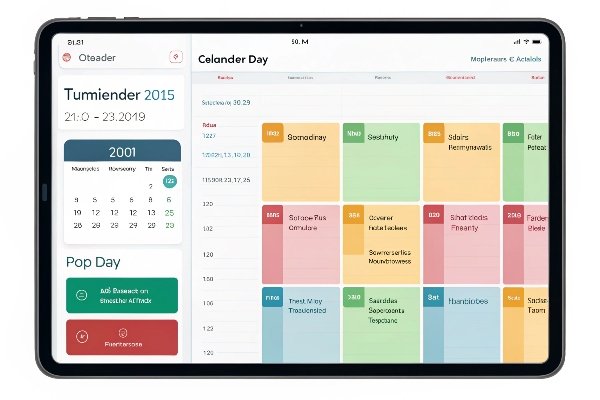
My daily schedule often looks like this:
| Time Block | Task |
|---|---|
| 8:00–10:00 AM | Deep focus work |
| 10:00–10:15 AM | Short break |
| 10:15–12:00 PM | Meetings |
| 12:00–1:00 PM | Lunch |
| 1:00–3:00 PM | Admin work + email |
| 3:00–4:00 PM | Buffer/overflow |
| 4:00–6:00 PM | Family time |
I always add buffer time between events. And I never skip reminders—they’re my backup brain.
Sync, Share, and Collaborate for Greater Efficiency
You can save hours every week by sharing your calendar. Collaboration avoids miscommunication.
Sync your calendar with others, connect it to task apps, and include meeting links for a smoother workflow.

Sharing our family calendar changed how we operate. No more texting about who’s picking up the kids. Everyone sees the same schedule. At work, I connect Google Calendar with Trello and Zoom. That way, I don’t lose time jumping between tools.
Most digital calendars also let you embed video call links right into events. No more last-minute scramble to find meeting links. The smoother the experience, the more you get done.
Conclusion
Digital calendars bring clarity, reduce stress, and help you use time wisely. Try a simple setup today.
Ready to boost your productivity? Start using a digital calendar now. For customized productivity tools and smart calendar devices, contact us at www.techfamilysolution.com or email Luna Wang at techfamilysolution@gmail.com.